Remove C2PA, EXIF, GPS, AI Meta in One Click
Photos, videos, PDFs and AI-written text all carry hidden trails — GPS coordinates, device serials, author names, C2PA provenance and zero-width watermarks. Drop a file in and strip it, right here, before it ever leaves your device.
Drop an image, or click to choose
JPEG · PNG · WebP · TIFF · HEIC supported, batch OK
Files are processed only in your browser — never uploaded
Up to 20 files · 30 MB each
Prefer your phone? Get C2PACleaner on the App Store or Google Play.
What C2PACleaner removes
Four kinds of hidden data, removed in a single pass.
C2PA credentials
Detects and removes the Content Credentials manifest that AI tools embed to disclose the model and account behind a file.
Photos & video
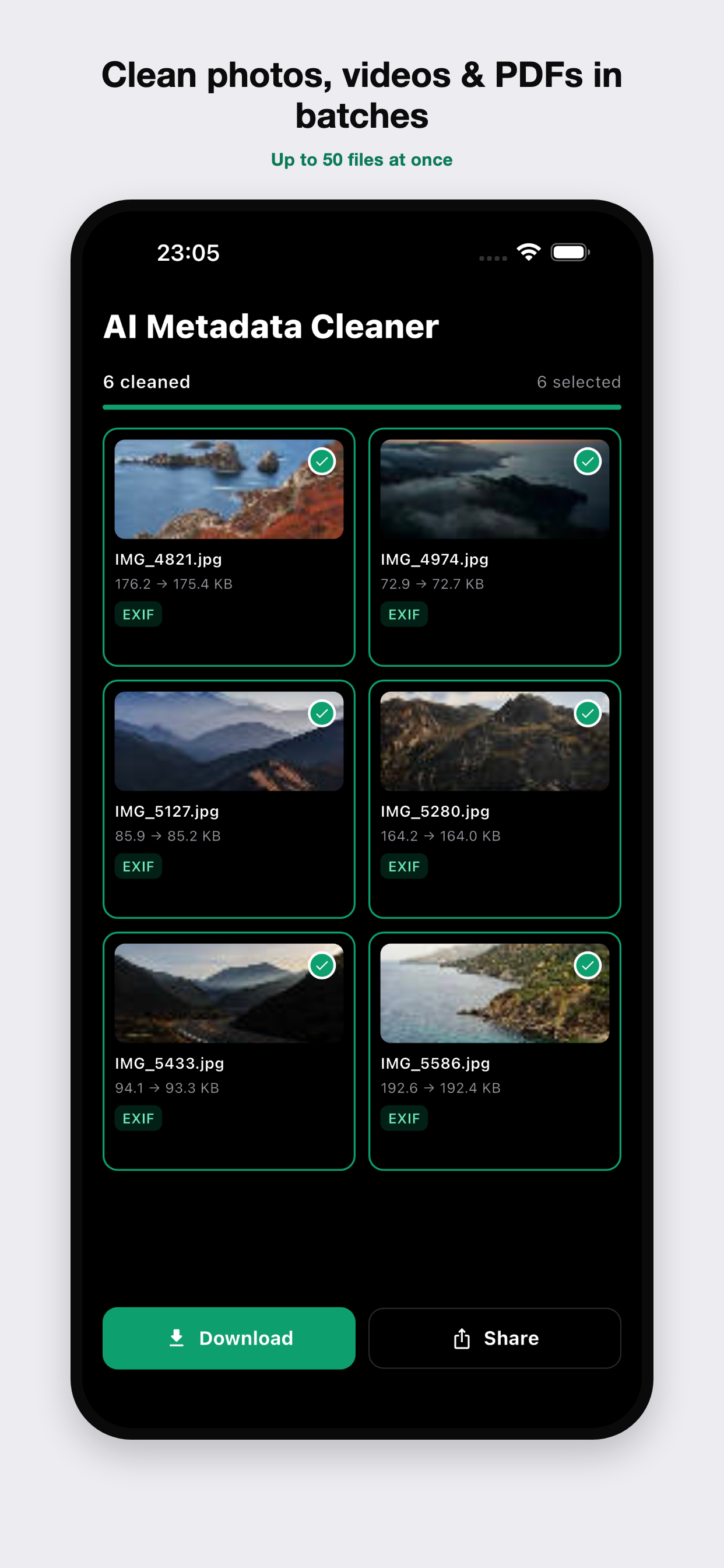
EXIF, GPS coordinates, camera serials and timestamps — removed losslessly from JPEG, PNG, WebP, MP4 and MOV.
PDF documents
Author, title, producer and embedded XMP packets cleared, while every page stays byte-for-byte identical.
ChatGPT text
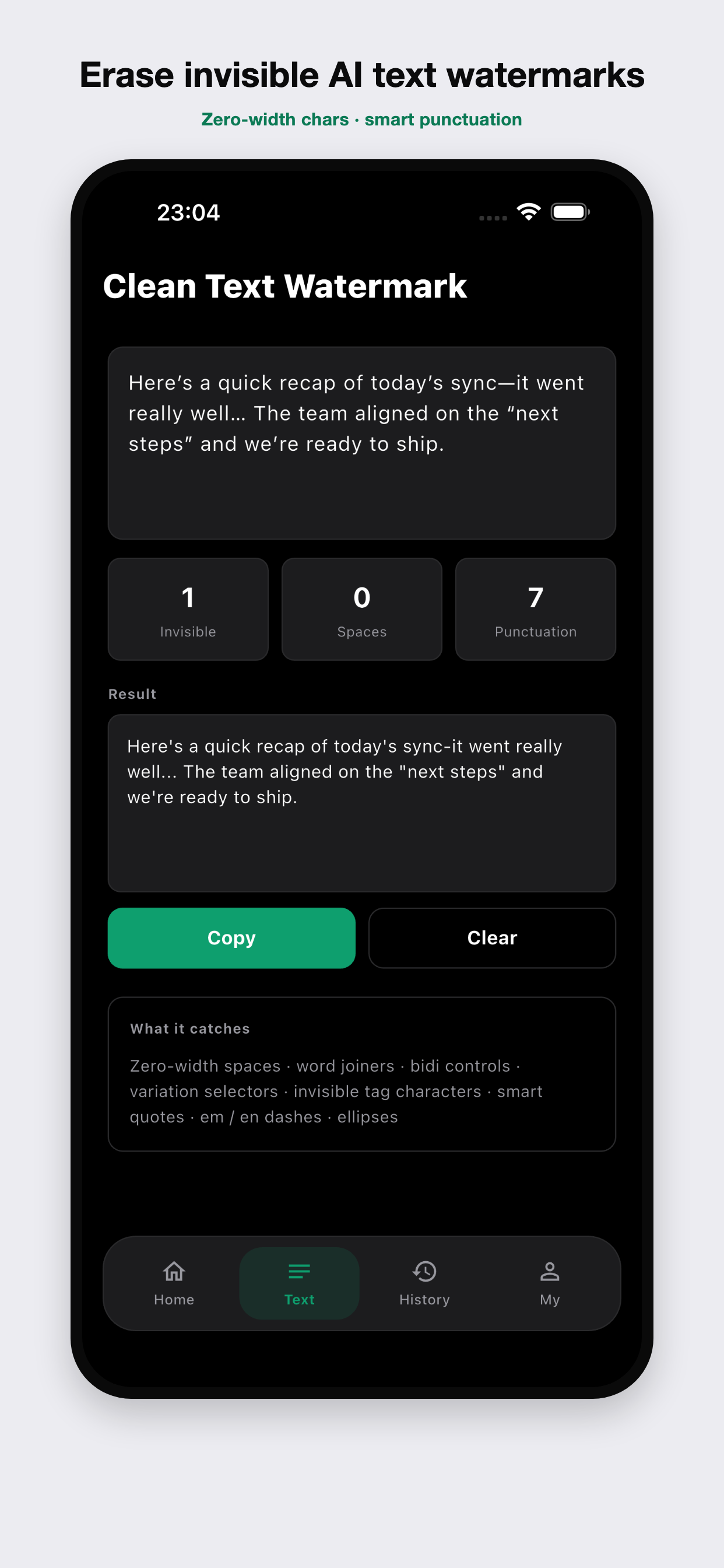
Zero-width spaces, word joiners and the smart-punctuation tells that flag text as AI-generated — gone.
Three steps, zero uploads
Drop it in
Choose a photo, video or PDF, or paste your text. Up to 20 files at a time.
See what's hidden
Every GPS point, device ID and provenance tag is laid out before you touch a thing.
Download clean
Get the stripped file back instantly — no account, no upload, no trace left behind.
Private by default, not by promise
No servers, no accounts — the architecture is the privacy policy.
Nothing to leak
There's no server in the loop, so there's nothing to log, retain or breach.
Instant & lossless
Cleaning is surgical — only the metadata goes; pixels and quality are untouched.
No account, ever
Open the page, drop a file, done. No sign-up, no email, no tracking of your content.
The C2PACleaner app
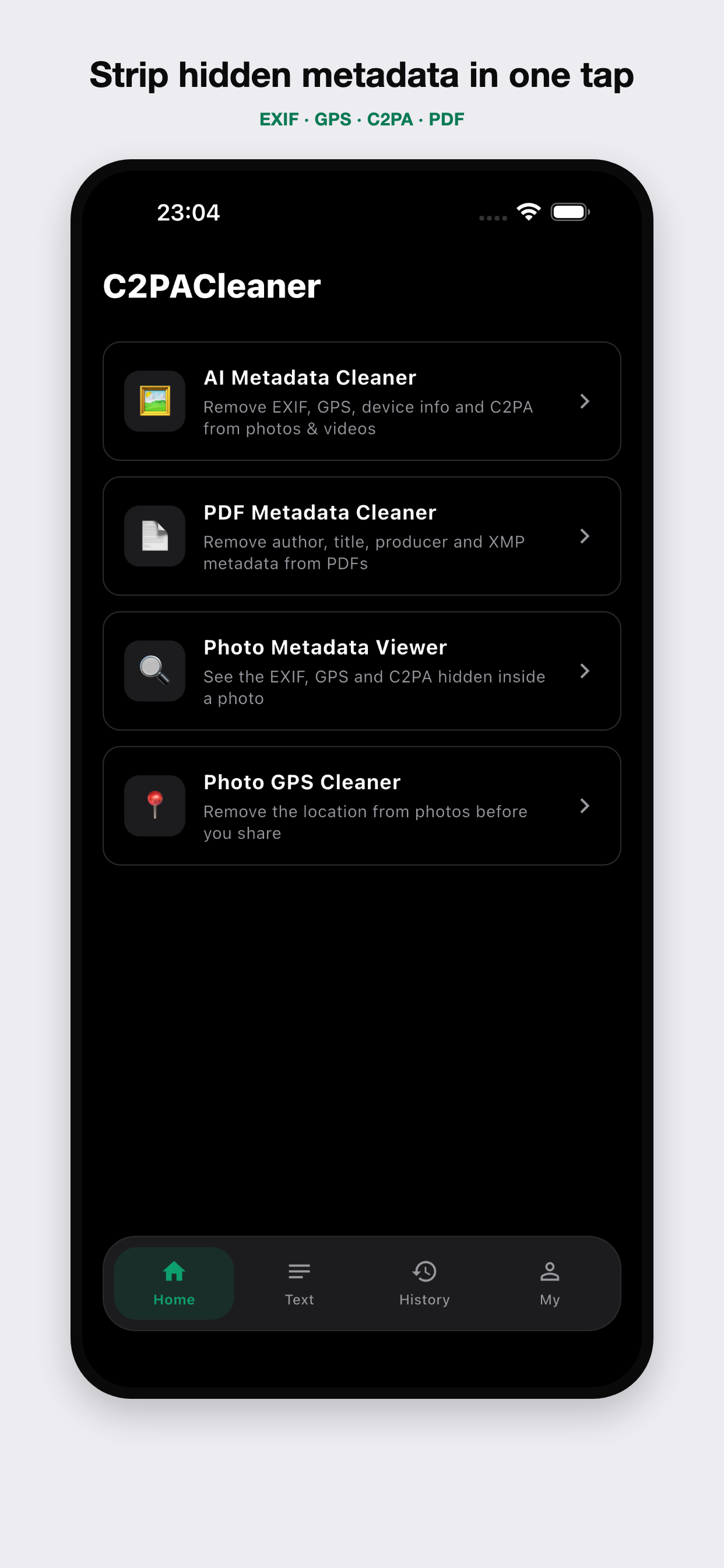
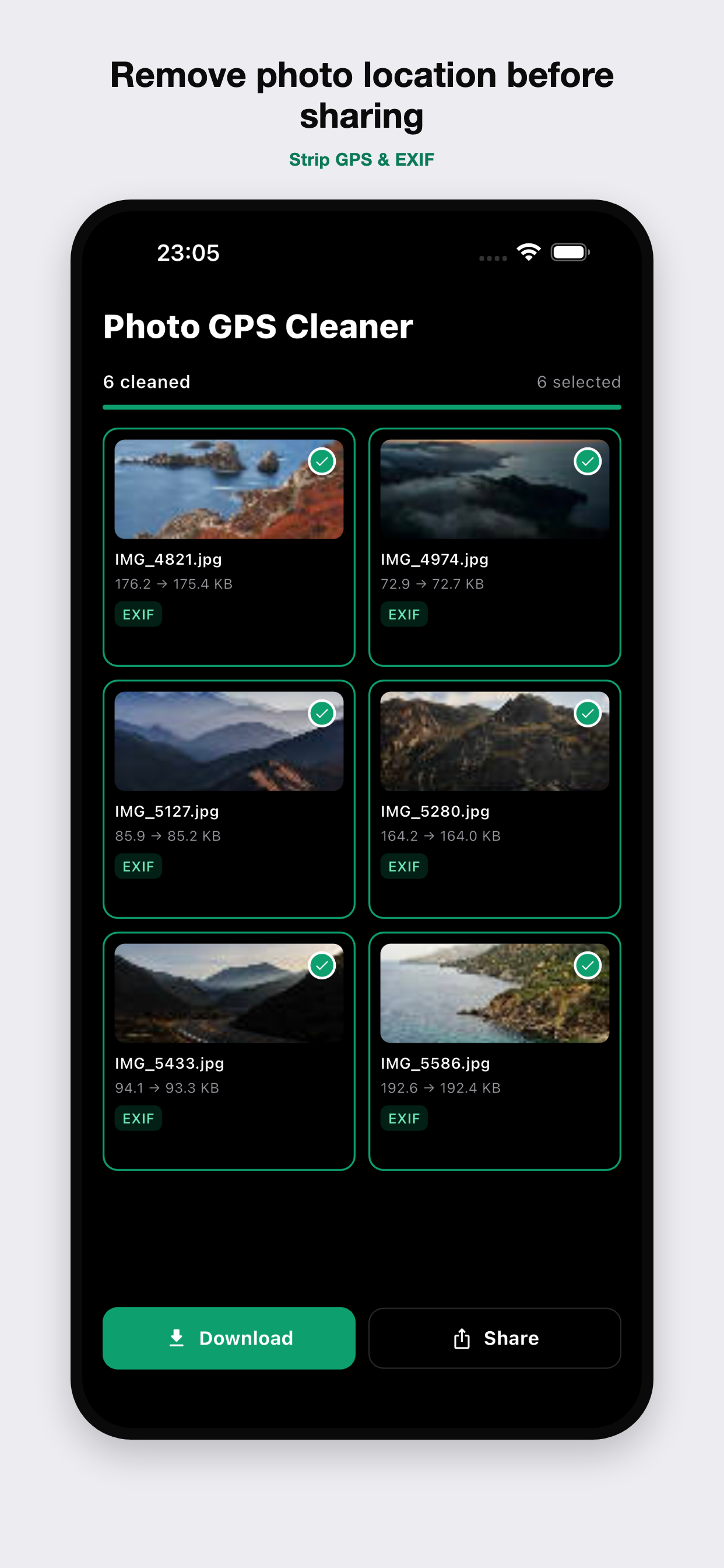
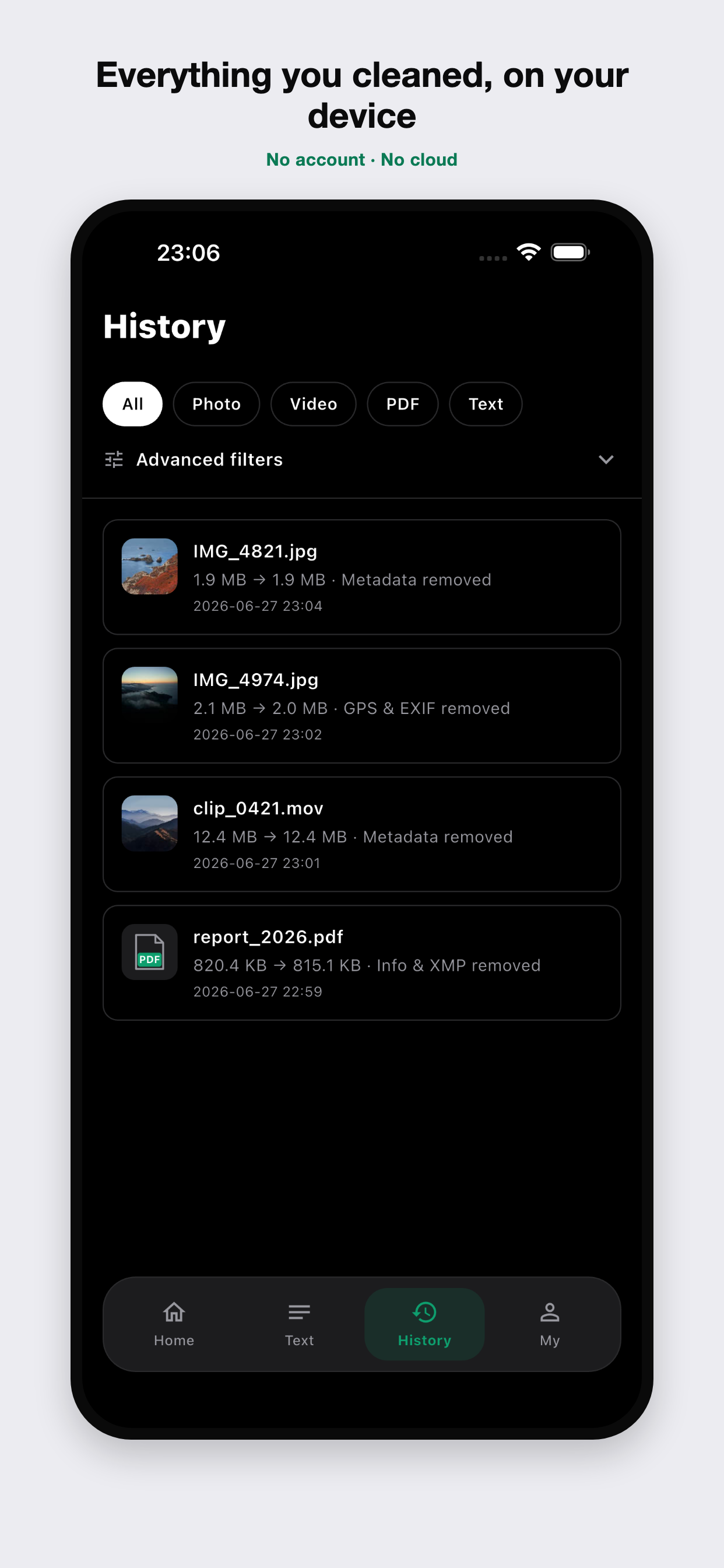
Take it with you: detect and remove EXIF, GPS, C2PA and AI metadata from photos, videos and PDFs right on your phone — all on-device, nothing uploaded.
Questions, answered
Is C2PACleaner safe to use? Does it upload or store my files?
Yes, it's safe: C2PACleaner reads and cleans your files entirely inside your own browser. Nothing is uploaded, stored or logged on any server — there is no server in the loop at all. Because the work is client-side, it even keeps working with your network disconnected, and your files are cleared from memory the moment you close the tab. No account, no sign-in.
Which metadata types and file formats does C2PACleaner support?
It removes C2PA / Content Credentials manifests (the signed CBOR provenance blocks that AI tools embed), EXIF and GPS data, and PDF document info plus embedded XMP packets. Supported formats include JPEG, PNG and WebP images, MP4 and MOV video, and PDF documents. For writing, the Text tool strips invisible Unicode characters that can mark text as AI-generated.
Is C2PACleaner free? Are there file size or count limits?
It's completely free, with no account and no ads. Because everything runs locally on your own device, there's no server cost to pass on and no upload cap — the practical limit is just your device's memory. The browser tool comfortably handles everyday photos, PDFs and short videos; very large video files are better cleaned in the upcoming mobile app.
What is C2PA / Content Credentials, and why does it get attached to my images?
C2PA (Content Credentials) is an open provenance standard backed by Adobe, Google, OpenAI and others. It embeds a cryptographically signed record of a file's origin and edit history. AI image tools — and some cameras and editors — attach it automatically to disclose how a file was made. C2PACleaner detects that embedded manifest and removes it locally.
Why do Instagram and TikTok add an “AI info” / “Made with AI” label, and can I clean my file before posting?
Platforms like Instagram (Meta) and TikTok read the C2PA / IPTC provenance metadata inside a file — along with their own signals — to add an AI label automatically. If you remove that provenance data from your own file before uploading, there's less embedded information for the automatic check to read, which can reduce an incorrect or unwanted label. It's not a guarantee: platforms may also use server-side hashes or visual classifiers that no on-device tool can affect.
Clean it before you share it
Scroll back up and drop a file in — or take it with you on iPhone and Android.